Set up PodBox in Grok
Add PodBox as a Grok connector
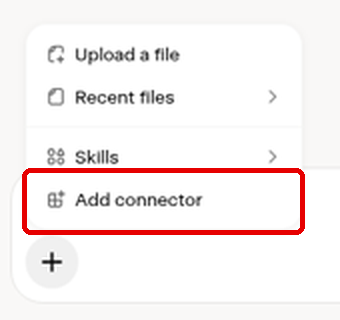
- In a Grok chat, click + in the message box.

- Choose Add connector.
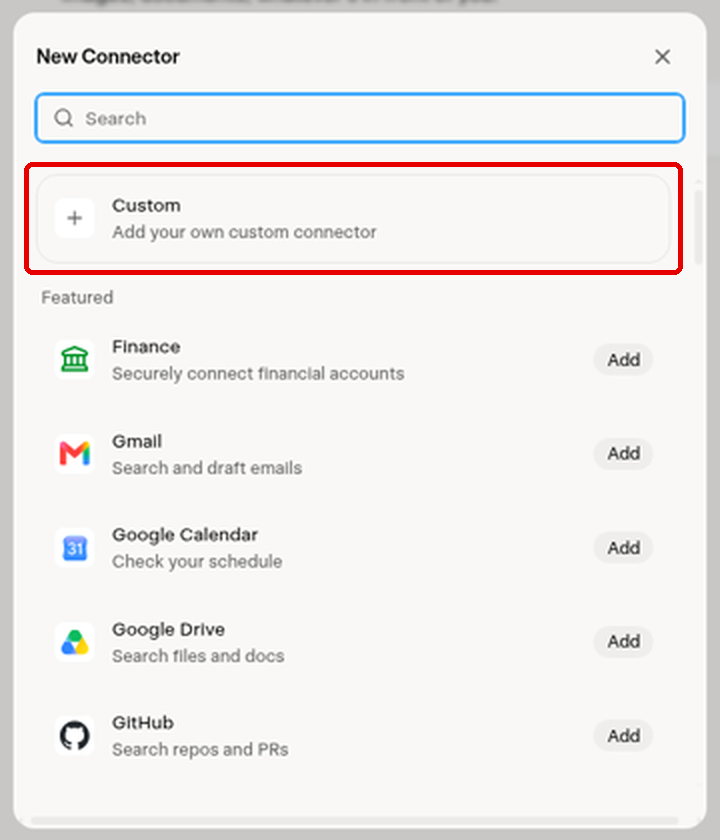
- In New Connector, choose Custom.
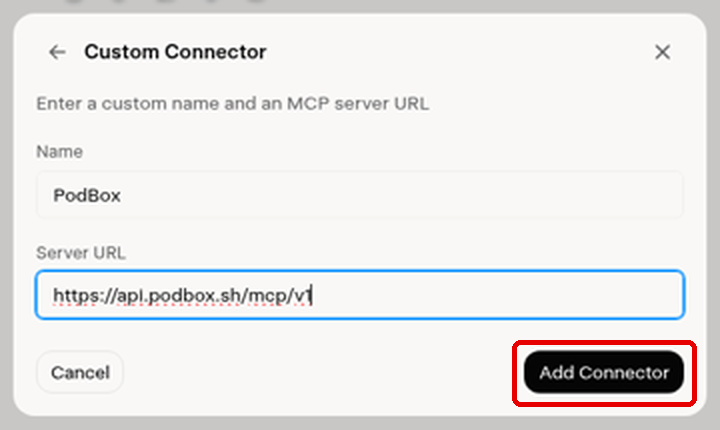
- Name it
PodBoxand paste this server URL:
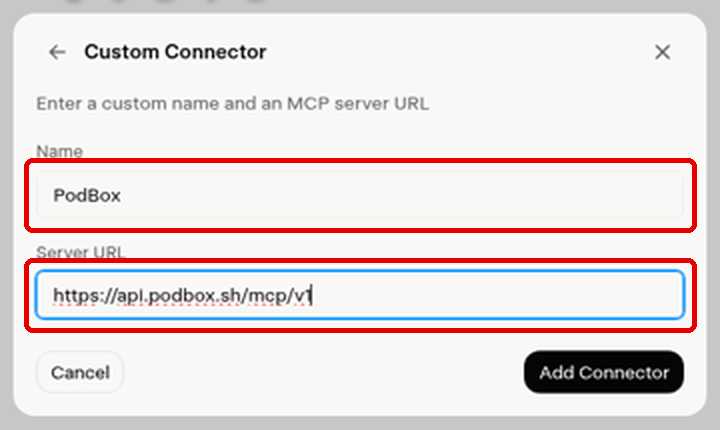
- Click Add Connector.
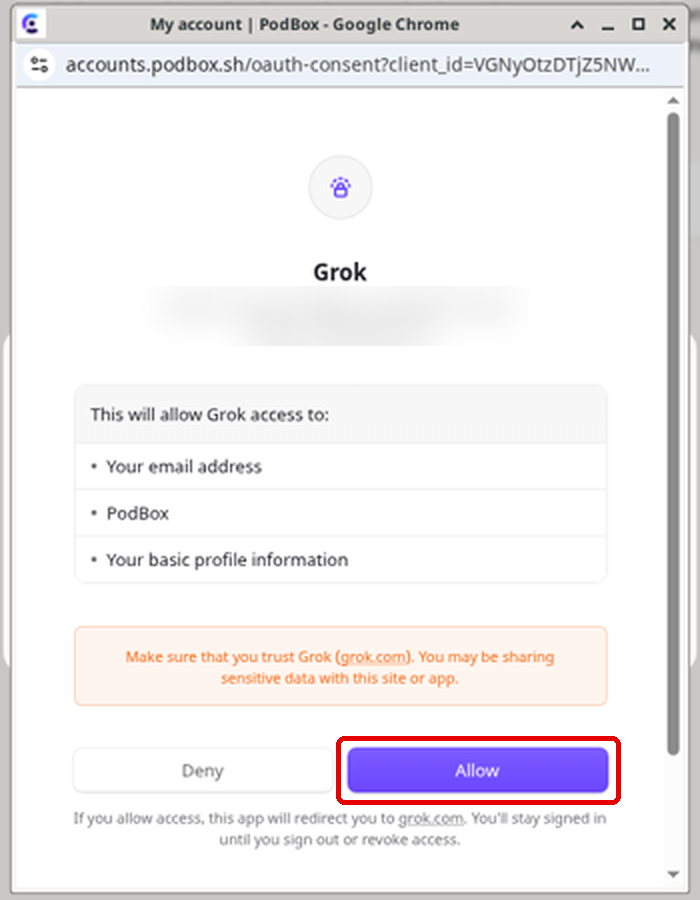
- A PodBox window opens. Sign in or create a PodBox account if it asks, then click Allow.