Set up PodBox in Claude
Add PodBox as a Claude connector
- In Claude's sidebar, click Customize.
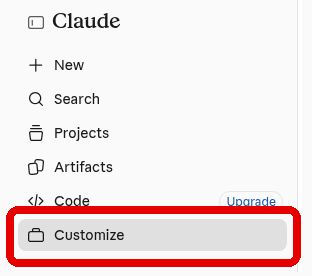
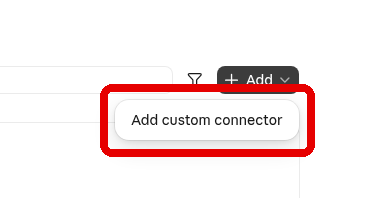
- Open the Connectors tab and click Add.

- Choose Add custom connector.
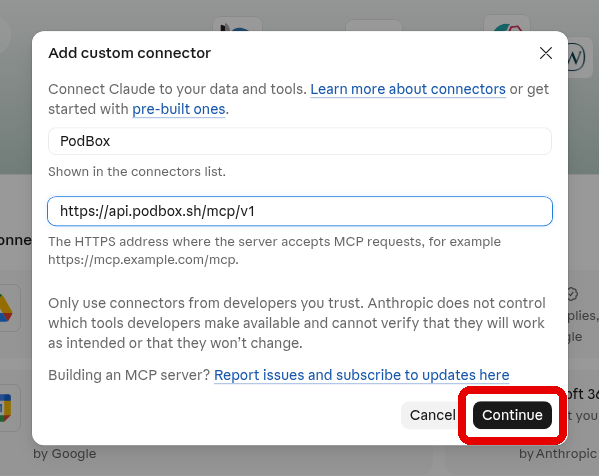
- Name it
PodBoxand paste this server URL:
Then click Continue.
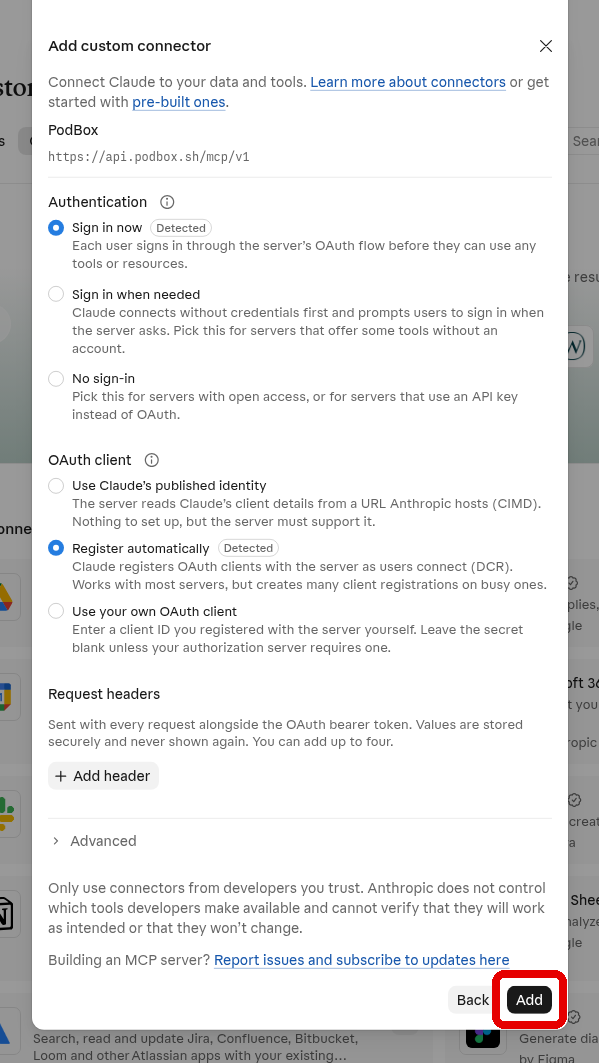
- Leave the default authentication settings and click Add.
- Click Connect.
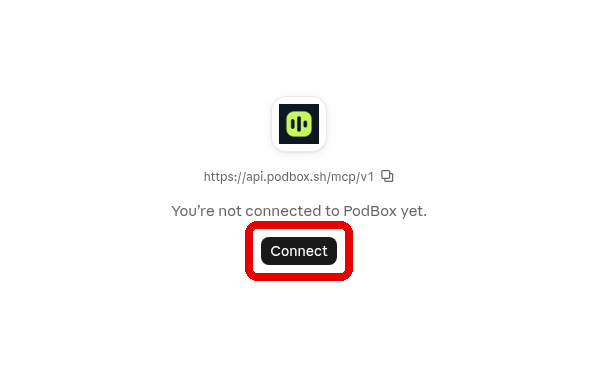
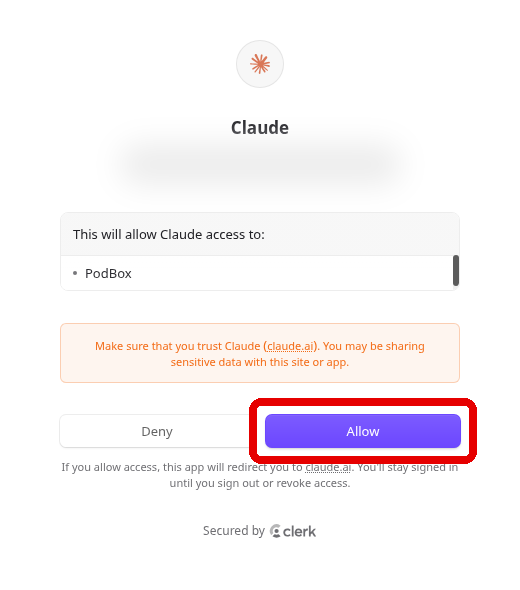
- A PodBox window opens. Sign in or create a PodBox account if it asks, then click Allow.
The connector is tied to your Claude account, so it also works in Claude Desktop, Cowork, and the mobile app.